Installation Guide
Follow these steps to install QGIS Track Changes.
Prerequisites
- This plugin works on:
Minimum requirement: QGIS 3.22+
Recommendation: use QGIS 3.40+
Installation Steps
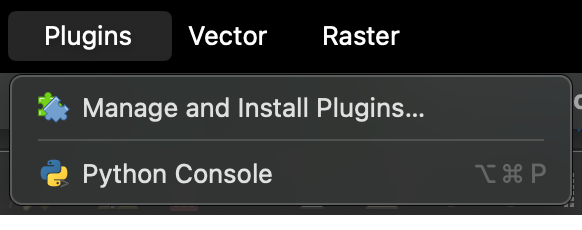
Open Plugin Installation Menu
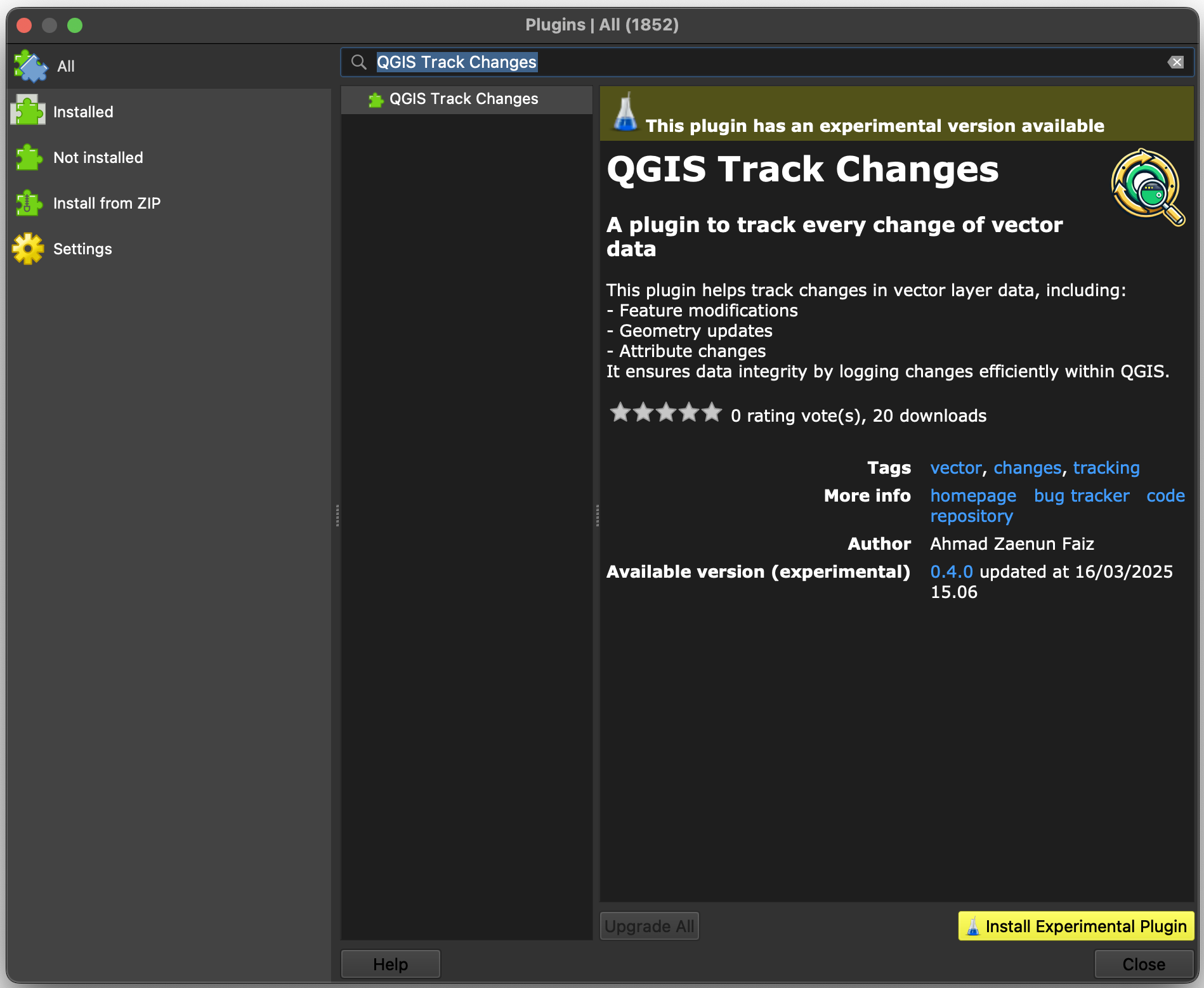
Since this plugin still experimental, allow experimental

Click “Install Experimental Plugin” button
Next Steps
Learn how to use it: Usage Guide
Check the API reference: API Reference